Literally Minecraft V2
Gameplay Controls WASD - Walk around Space - Jump Shift - Sneak (Turbowarp only) R - Sneak (Vanilla Scratch only) Arrow Keys - Look around Mouse Move - Look around Mouse Click & Hold - Break & Place blocks or use item C - Cursor mode for break / place E - Open / close inventory E - Interact with Block (Chest, crafting table etc) E - Interact with Entity (Shear sheep, milk cow with bucket etc) T - Enter debug command, requires you to have been in creative mode in the past on this save file P - Pause Game, show settings Q - Drop held item M - Switch between third person modes Main Menu controls: 0 - Toggle pointerlock in main menu, this should only be used on https://experiments.turbowarp.org/pointerlock/ 9 - Toggle save file importing and exporting, which should be enabled for save files over 20Mb in size Holding 1 while cycling world types allows access to special world types Inventory Controls: -Click on an item or stack to pick it up -Click mouse again to place the item or stack -Press space while holding an item to place one -Press space over an item stack to pick up half of the stack -Drag out of the inventory and click to drop an item Creative Controls: -In the creative inventory, up and down arrows to scroll, click the tabs at the top to switch category -Pressing space allows you to fly upwards -Pressing the shift key (in Turbowarp) or R key (in Vanilla Scratch) allows you to fly down
! IMPORTANT ! IF LAGGY THEN:
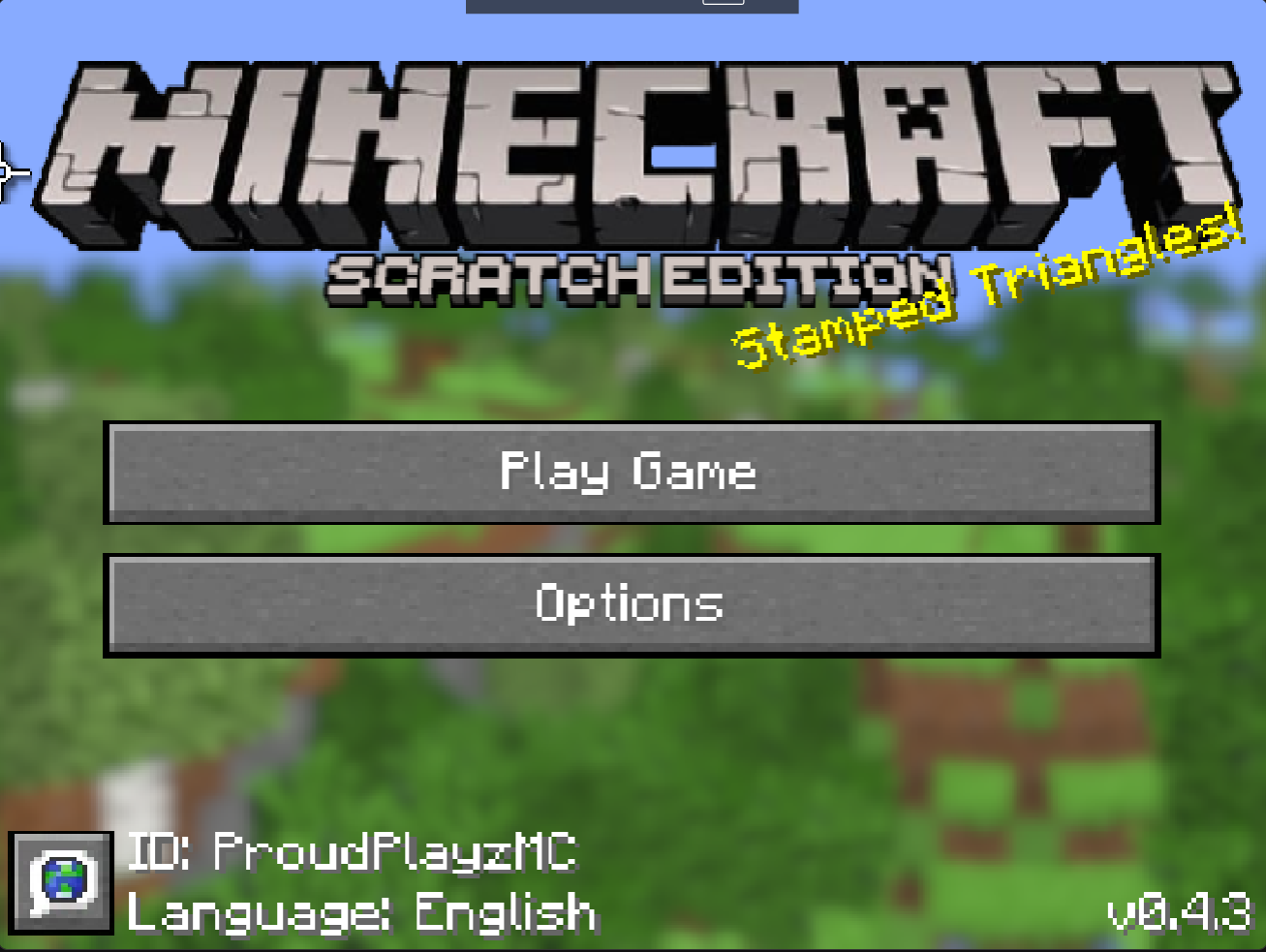
Options>Video>Quality And Turn Stamp Triangles Off
Options>Video>Other>Turn Mining Particles ,Footstep Effects ,Render Clouds, Fog
OFF
?Still Not Working? Then:
Options>Terrain
Then Set Horizontal And Vertical Chunks To 3
Download
Comments
Log in with itch.io to leave a comment.
Updated
Nerd Instruction